
🔥 Top Pokies at Dolly Casino














Instant Account at Dolly Casino
The Dolly Casino your account puts registration, sign-in, profile settings, and play access in one dashboard. The sign-up takes about two minutes when your details are ready. We ask for your legal age confirmation before account access begins. Once registered, you can sign in from your browser or continue on mobile.
This site keeps the first steps straightforward. Enter your personal details, confirm your email address, and complete the requested verification checks. Your account then becomes the control centre for game access, payment settings, and account preferences. Use the account access page whenever you want to return.
How to register with Dolly Casino
Registration at Dolly Casino starts with a short form designed for Canadian players. Use your legal name and current contact details so your account information matches future verification documents. You must confirm that you meet the applicable legal age requirement before continuing. The form then guides you towards email confirmation and account access.
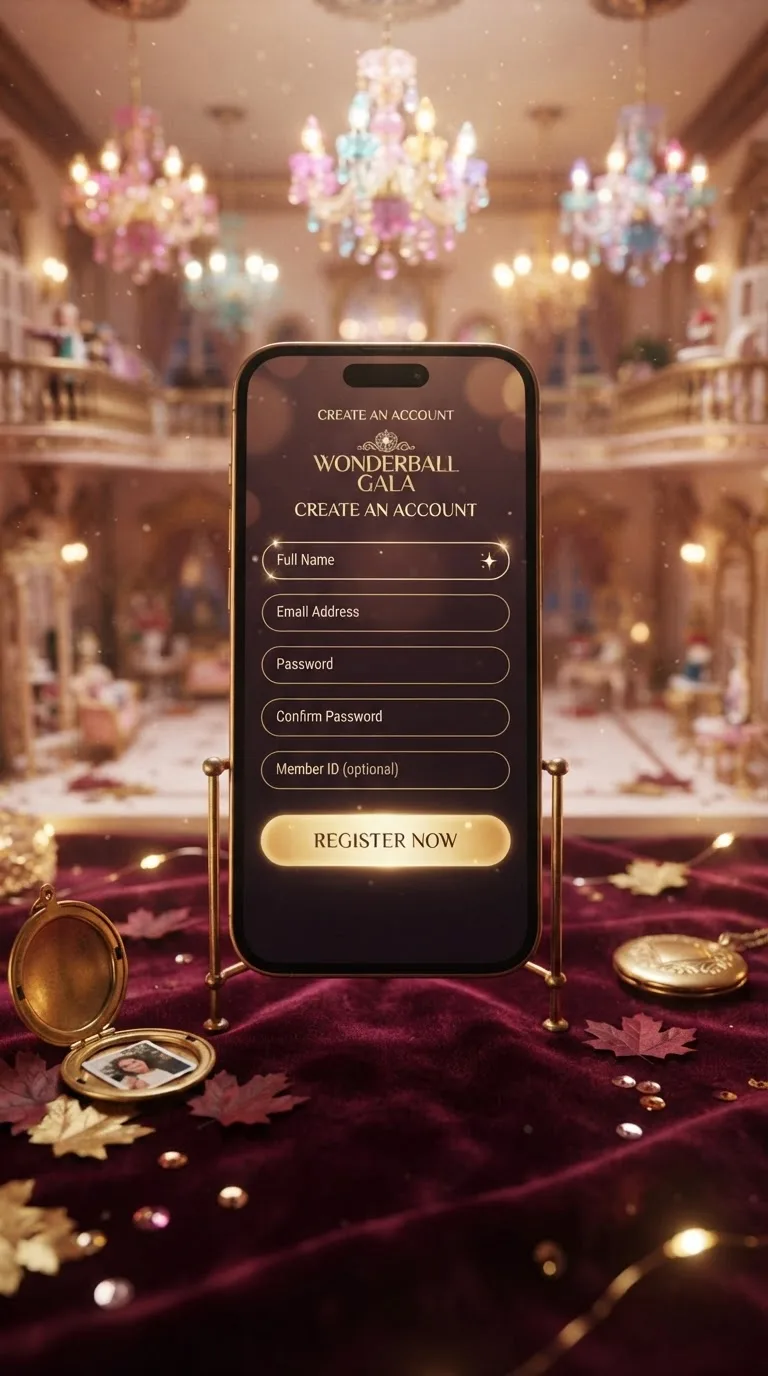
- Enter your legal name, email address, and chosen password.
- Confirm your legal age and accept the account terms.
- Verify your email, then sign in and start playing.
We send the confirmation message to the email address entered during registration. Check your junk folder if it does not appear in your main inbox. A correct address also helps us match account notices with the right player profile. Keep your password private and avoid using the same password elsewhere.
Age verification is part of the registration flow, not an optional profile setting. Select the confirmation box only when you meet the required legal age in your location. If we request identity or address documents later, submit clear images showing the complete document. The 24/7 live chat can help if a registration screen does not progress.
| Account action | Player result | Information required | Next step |
|---|---|---|---|
| Registration form | Guided form submission | Name, email, password, age confirmation | Open the email confirmation |
| Email confirmation | Account status changes to verified | Registered email address | Return to sign in |
| Login check | Access to the player dashboard | Email and password | Review account settings |
| Password reset | Reset instructions sent by email | Registered email address | Create a new password |
| Profile changes | Updated account details | Current account access | Save and review the change |
| Age confirmation | Registration can continue | Legal age declaration | Complete email verification |
| Identity check | Verification request is reviewed | Clear identity document | Wait for the account status update |
| Address check | Residence details are matched | Recent proof of address | Continue through the dashboard |
Sign up once with Dolly Casino
One registration gives you a single account for future sessions. You do not repeat the full sign-up form each time you return. Your dashboard keeps your personal settings and account controls in one place. Sign in through your account access page whenever you are ready to play.
Registered players can move from a selected game to their account controls without entering their details again. This keeps the session focused on the game rather than repeated forms. We still ask for confirmation when an account change needs extra protection. The 24/7 live chat is available if you need help with a locked screen or forgotten detail.
Before registering here, have these items ready so the process stays short:
- A current email address that you can open immediately
- Your legal name and residential information
- A password that you do not use on another service
- A supported payment method for later account funding
The Dolly Casino our platform also keeps your profile ready for future verification checks. Identity verification confirms who you are, while address verification confirms where you live. These checks use different documents and may happen at separate stages. Providing readable documents helps prevent avoidable follow-up requests.
| Account stage | What you provide | What it confirms | What you can do |
|---|---|---|---|
| Basic registration | Email, password, age confirmation | Account contact and age declaration | Open the player dashboard |
| Email verified | Email confirmation link | Control of the registered inbox | Sign in and manage your profile |
| Identity review | Government-issued identity document | Name and date of birth | Continue account verification |
| Address review | Recent address document | Current residential address | Complete the requested checks |
| Payment profile | Selected payment details | Payment account ownership | Use the chosen payment method |
| Password recovery | Registered email address | Control of account access | Set a replacement password |
| Profile update | New account information | Requested change details | Keep your profile current |
| Support review | Account identifiers and explanation | Ownership of the account request | Receive help through live chat |
Dolly Casino's step-by-step sign-up flow
Registration works on current desktop and mobile browsers. The form adjusts to smaller screens, so fields remain readable without repeated zooming. Chrome, Safari, Firefox, and Edge support the registration flow. A reliable internet connection helps the confirmation page load correctly.
On a phone, move through the form one field at a time and check the email address before submitting. Your password manager can fill details if you use one, but review every field before continuing. The legal age confirmation remains visible on the mobile layout. If the page refreshes, return to the same browser session and check whether the account was created.
For a mobile-first route, open the mobile access page after registration. You can also return to the standard browser version without creating another account. Use the same email and password on each supported device. The 24/7 live chat can guide you if a browser blocks a confirmation window.
- Chrome supports registration on desktop and mobile screens
- Safari keeps the form available on compatible Apple devices
- Firefox and Edge support the same account sign-up flow
- Mobile browsers keep account access in your pocket
Payment details are added after registration rather than during the first form. Canadian players can use Interac, iDebit, Visa, or Mastercard where supported in their account. The available option depends on the payment provider and your location. Review the payment screen before confirming any transaction.
| Payment option | Account stage | Typical use | Player action |
|---|---|---|---|
| Interac | After registration | Canadian account funding | Select your bank and follow the prompt |
| iDebit | After registration | Online banking payment | Choose your bank and approve the payment |
| Visa | After registration | Card account funding | Enter the requested card details |
| Mastercard | After registration | Card account funding | Confirm the card transaction |
| New account | Before payment setup | Profile creation only | Complete email confirmation first |
| Verified account | After requested checks | Account management | Use the available payment screen |
| Mobile browser | After registration | Payment access on a phone | Keep the payment page open during approval |
| Payment support | Any account stage | Help with a payment screen | Contact the 24/7 live chat |
Two-factor authentication at Dolly Casino
The Dolly Casino this operator offers optional two-factor authentication for players who want another sign-in check. When enabled, access requires your password and the second verification step shown in your account settings. This can help protect the account if someone learns your password. Keep recovery information private and review your security settings after registration.
We apply regular security updates to account systems and sign-in screens. These updates help us address new risks and keep the registration flow dependable. You may occasionally need to refresh your browser after a security change. The 24/7 live chat can explain the next step if an update interrupts access.
Account protection also depends on your own habits. Use a unique password, avoid public devices for account access, and sign out after using a shared computer. Never send your password through chat or a message. If you notice unusual account activity, contact our support team through live chat promptly.
- Use a unique password for your account
- Turn on optional two-factor authentication in settings
- Sign out after using a shared device
- Report unusual access through 24/7 live chat
Join the Dolly Casino community
Start with one account and keep your access details in one place. Registration takes about two minutes when your information is ready. Confirm your email, complete the age declaration, and return through the login page. Your account then stays ready for future sessions on desktop or mobile.
We keep the first visit practical rather than complicated. Use the account dashboard for profile changes, verification requests, and payment settings. If you need help, our 24/7 live chat is the quickest route. You can review current offer terms on the bonuses page separately.
Registration and account FAQ
How can I fix a CAPTCHA error on the Dolly Casino sign-up form?
Refresh the page, enable cookies, and check that JavaScript is active in your browser. Clear an outdated browser session before submitting the form again. If the CAPTCHA still fails, try Chrome, Safari, Firefox, or Edge and contact the 24/7 live chat.
How do I report a security concern during registration?
Contact the 24/7 live chat and describe the affected page, the steps that reproduce the issue, and the time it occurred. Do not send passwords, payment details, or private documents. Our support team will route the report for review.
Which payment methods can I link at registration?
Payment details are added after registration. Canadian players can use Interac, iDebit, Visa, or Mastercard where the option is supported in their account. Open the payment screen after email confirmation to see the available method.
What should I avoid doing with my account details?
Never share your password, send login details through chat, or reuse a password from another service. Avoid registering or signing in on a public or shared device without signing out afterward. Report anything unusual through the 24/7 live chat right away.
What happens if I lose my password?
Use the password reset option on the login screen and enter your registered email address. Follow the reset instructions, then create a unique replacement password. Contact the 24/7 live chat if you cannot access the registered inbox.
Does this platform keep a record of my registration details?
Yes, we keep account and registration records to support account security and service administration. Full details on how this information is handled are available on our privacy page, which covers data handling separately from registration.
Can I limit the emails this site sends me after registration?
Yes, you can request marketing email removal through the 24/7 live chat. This changes promotional messages without closing your player account. Service messages about security, verification, or account access may still be sent.
Can I register through my mobile device?
Yes, registration works on compatible mobile browsers, including Chrome and Safari. Enter your details, confirm your legal age, and verify your email from the same device or another device. The account uses the same sign-in across supported browsers.
Why does registration stall or fail on my browser?
Close other apps, restart your device, and install the latest available browser update. A stable connection also helps prevent the confirmation screen from stalling. If the issue continues, try a different supported browser and contact the 24/7 live chat.
What is the difference between identity and address verification?
Identity verification confirms your name and date of birth with an identity document. Address verification confirms your current residence with a recent address document. The two checks answer different questions and may be requested at separate stages.